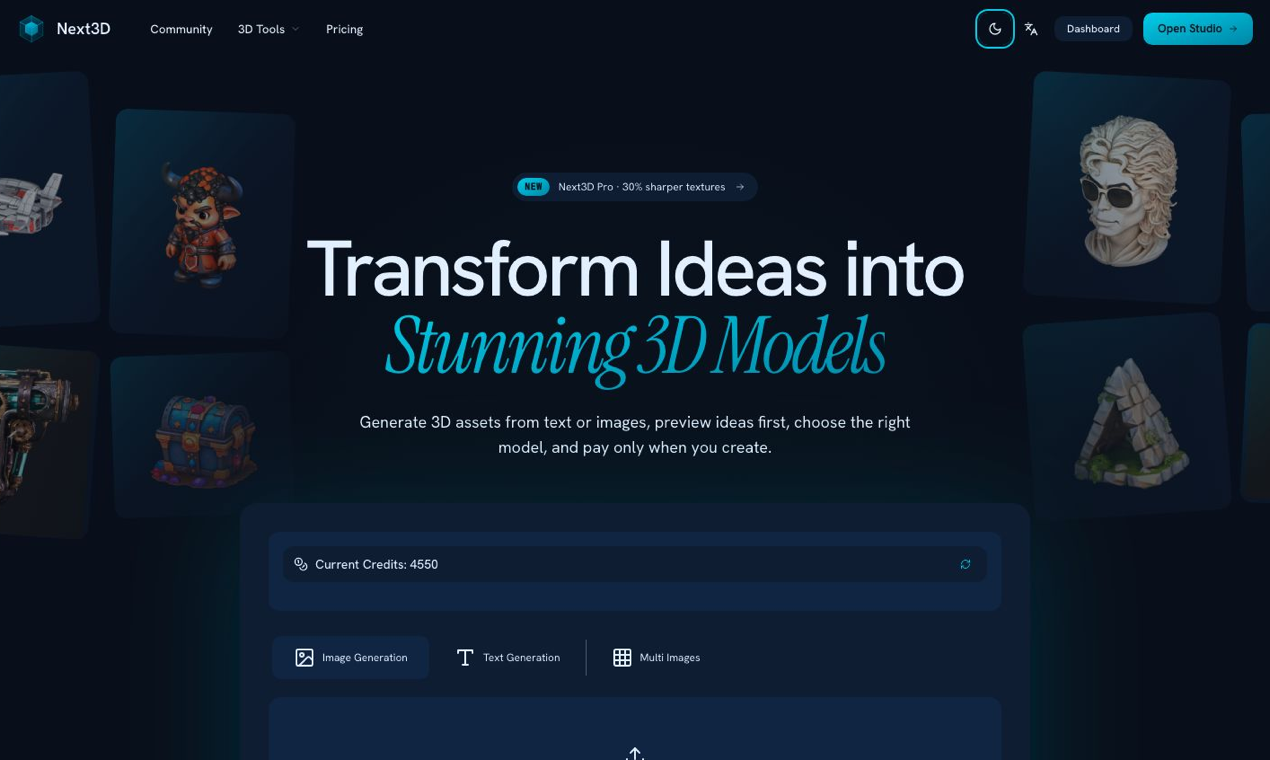
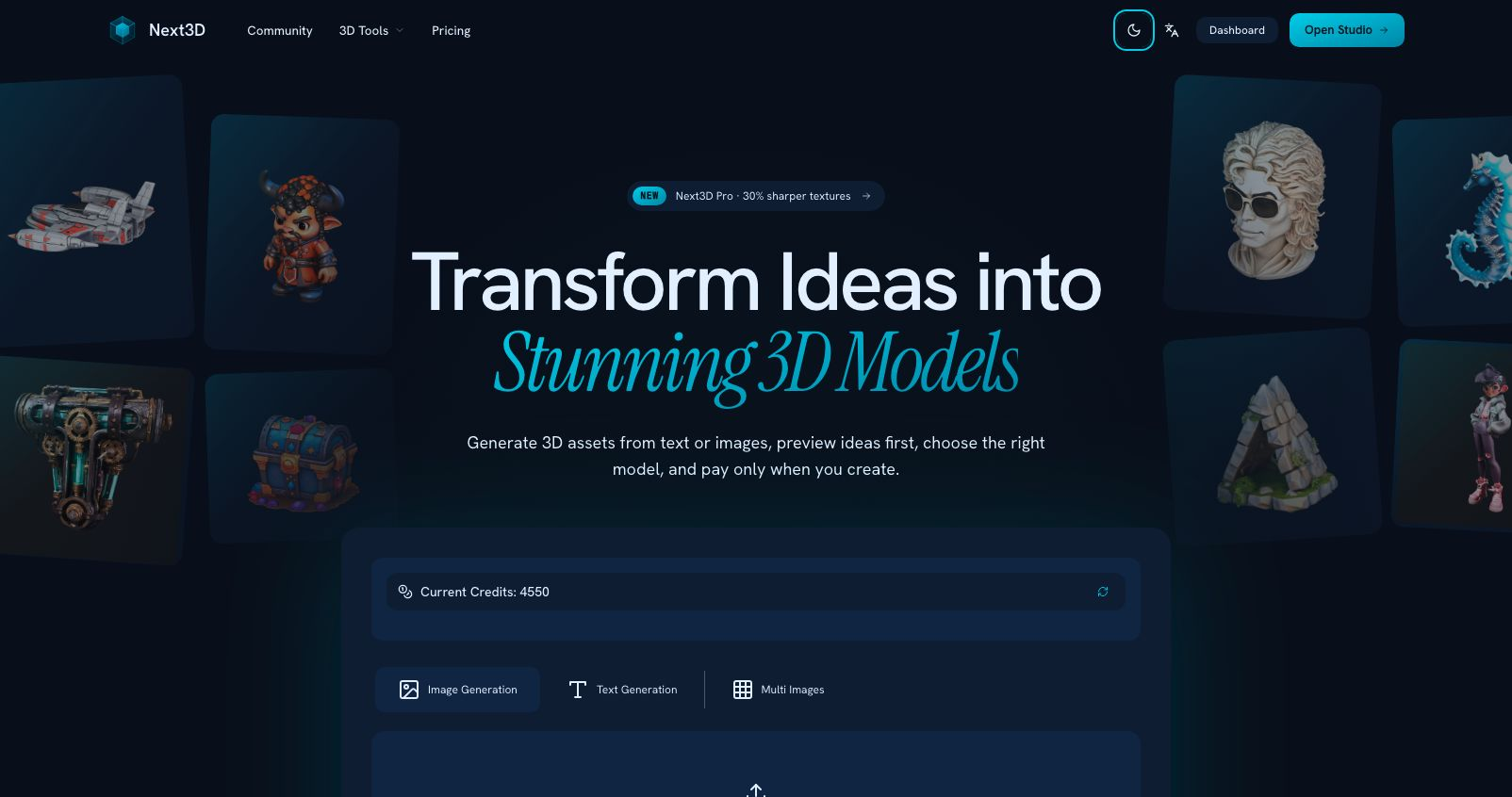
Next3D is an AI-powered 3D model generation platform that enables users to create 3D assets from text prompts or reference images. The platform aggregates multiple frontier 3D generation models-including Hunyuan 3D, Seed3D, Rodin v2, Trellis 2, Tripo H3.1, and Meshy v6-allowing users to compare outputs and select the best model for each specific asset.
Beyond generation, Next3D provides a comprehensive toolkit for 3D workflows: an online model viewer supporting 20+ file formats, format conversion tools, model compression, and browser-based preview capabilities. The platform targets creators, designers, and developers who need rapid 3D asset creation without the steep learning curve of traditional 3D modeling software like Blender or Maya.
With over 50,000 active users across 120+ countries and more than 1 million models generated monthly, Next3D positions itself as an accessible entry point into AI-assisted 3D content creation.
Multi-Model AI Generation
Next3D provides access to six specialized 3D generation models, each optimized for different use cases:
Text-to-3D with Preview
Users can preview concept images before committing credits to 3D generation, reducing waste on prompts that don't align with the desired output.
Image-to-3D Conversion
Upload reference images to generate 3D assets, enabling faster workflows when visual references are available.
Browser-Based 3D Preview
Inspect materials, lighting, and presentation directly in the browser before downloading, ensuring quality before export.
Production-Ready Exports
Default export to GLB format with textures, compatible with game engines and 3D pipelines. Users can convert to FBX, OBJ, and other formats as needed.
Comprehensive 3D Toolkit
Game Development
Rapidly generate 3D assets for games, prototypes, and interactive experiences without dedicated 3D artists. Export GLB files ready for Unity, Unreal Engine, or web-based game frameworks.
Product Visualization
Create 3D product mockups from text descriptions or reference photos for e-commerce, marketing materials, and client presentations.
Architectural Visualization
Generate 3D models of buildings, interiors, and environments from descriptions or 2D plans for preliminary design exploration.
Content Creation and Media
Produce 3D assets for videos, animations, AR/VR experiences, and digital art projects without traditional modeling expertise.
Rapid Prototyping
Iterate quickly through design concepts by generating multiple 3D variations from text prompts, accelerating the creative exploration phase.
Education and Learning
Learn 3D concepts and workflows without the barrier of complex software interfaces, making 3D creation accessible to students and beginners.
Next3D operates on a credit-based subscription model with three tiers:
Free Plan
Pro Plan (Most Popular)
Premium Plan
Billing Options
Three-Step Workflow
Model Selection Interface
Users can choose between multiple AI models for each generation, comparing results across different algorithms to find the best fit for their specific asset requirements.
Community and Documentation
Accessibility
The platform emphasizes accessibility over traditional 3D software complexity, eliminating the "weeks of learning curve" associated with professional tools like Blender or Maya.
Supported Input Methods
Export Formats
3D File Format Support
The online viewer and conversion tools support:
Security and Verification
Pros
Cons
What is Next3D?
Next3D is an AI 3D model generation platform and online toolkit for image-to-3D and text-to-3D workflows. It provides access to multiple AI generation models, an online 3D viewer, format conversion tools, and browser-based preview capabilities.
How does the multi-model approach work?
Next3D offers six different AI 3D generation models, each optimized for different strengths-some excel at professional-grade geometry, others at fast generation or texture quality. Users can generate with multiple models and compare results, choosing the best output for their specific use case.
What file formats can I export?
Primary export is GLB (GL Transmission Format Binary) with textures included. The platform also supports conversion to FBX, OBJ, STL, and other formats through the format converter tool.
Can I preview before spending credits?
Yes. The text-to-3D workflow includes an image preview step where you can see the concept before committing credits to full 3D generation. This helps refine prompts and reduces waste.
Do I need 3D modeling experience?
No. Next3D is designed for creators without traditional 3D modeling backgrounds. The AI handles geometry and texturing based on text descriptions or reference images, eliminating the steep learning curve of software like Blender or Maya.
Can I use generated models commercially?
Commercial usage rights are included in the Premium tier. Pro and Free tiers are for personal use only. Check the specific terms of service for detailed licensing information.
Do credits expire?
Credits do not expire while your subscription is active. If you cancel, unused credits may be subject to expiration policies detailed in the terms of service.
Can I upgrade or downgrade my plan?
Yes. You can upgrade, downgrade, or cancel at any time. Upgrades take effect immediately; downgrades and cancellations take effect at the end of the current billing period.
What can I do with the online 3D viewer?
The viewer supports 20+ 3D file formats and allows you to inspect materials, lighting, and presentation directly in the browser. It's useful for previewing models before download, sharing with collaborators, or viewing files without installing 3D software.
Is there a Chrome extension or VS Code integration?
Yes. Next3D offers a Chrome extension and VS Code extension for streamlined access to 3D generation and viewing tools directly from your development or browsing workflow.
Next3D addresses a clear market need: lowering the barrier to 3D content creation while maintaining quality sufficient for production workflows. By aggregating multiple AI generation models rather than locking users into a single algorithm, it provides flexibility that single-model platforms cannot match. The ability to choose between Hunyuan 3D's professional geometry, Seed3D's detail richness, or Meshy v6's speed allows users to optimize for specific asset requirements.
The platform's value extends beyond generation into a comprehensive toolkit. The online viewer supporting 20+ formats, format conversion utilities, and browser-based preview create a workflow that doesn't require additional 3D software for basic operations. This all-in-one approach saves time for creators who would otherwise juggle multiple tools.
However, prospective users should approach with realistic expectations. AI-generated 3D models, while impressive, may not match the precision of hand-crafted assets for complex or specialized use cases. The credit system, while flexible, can become expensive for high-volume production work. Generated assets may require cleanup, retopology, or manual refinement before integration into demanding pipelines.
The free tier's 50 credits provide adequate scope to evaluate the platform's fit for your workflow, and the no-credit-card-required signup removes friction for exploration. For independent creators, game developers needing rapid prototyping, or designers exploring 3D concepts, Next3D offers genuine value that traditional software cannot match at this price point.
For professional 3D artists and studios, Next3D serves best as a rapid ideation and prototyping tool rather than a replacement for established pipelines. The export to standard formats ensures interoperability with professional tools when refinement is necessary.
Before committing to paid tiers, test the free credits with your specific use cases-evaluate whether the generated quality meets your project requirements, whether the multi-model selection genuinely improves results, and whether the format exports integrate cleanly with your existing workflows. The 4.9/5 user rating suggests satisfaction among its target audience, but individual mileage will vary based on project complexity and quality expectations.

Jennifer Love

The One Startup : Navigate. Build. Grow.

Build Trust with DR Checker

Discover the Best AI Tools & SaaS Solutions
Get your brand featured here
Discover similar products in the same category

Seedance 2.5 online — generate 30-second 4K AI videos with up to 50 multimodal references.

Translate the text in a photo or screenshot in your browser, without uploading it

A practical five-step guide to turning product photos into coordinated image and video ads for ecomm

Seed Audio 1.0 is ByteDance Seed's all-in-one audio generation model for creating complete sound sce