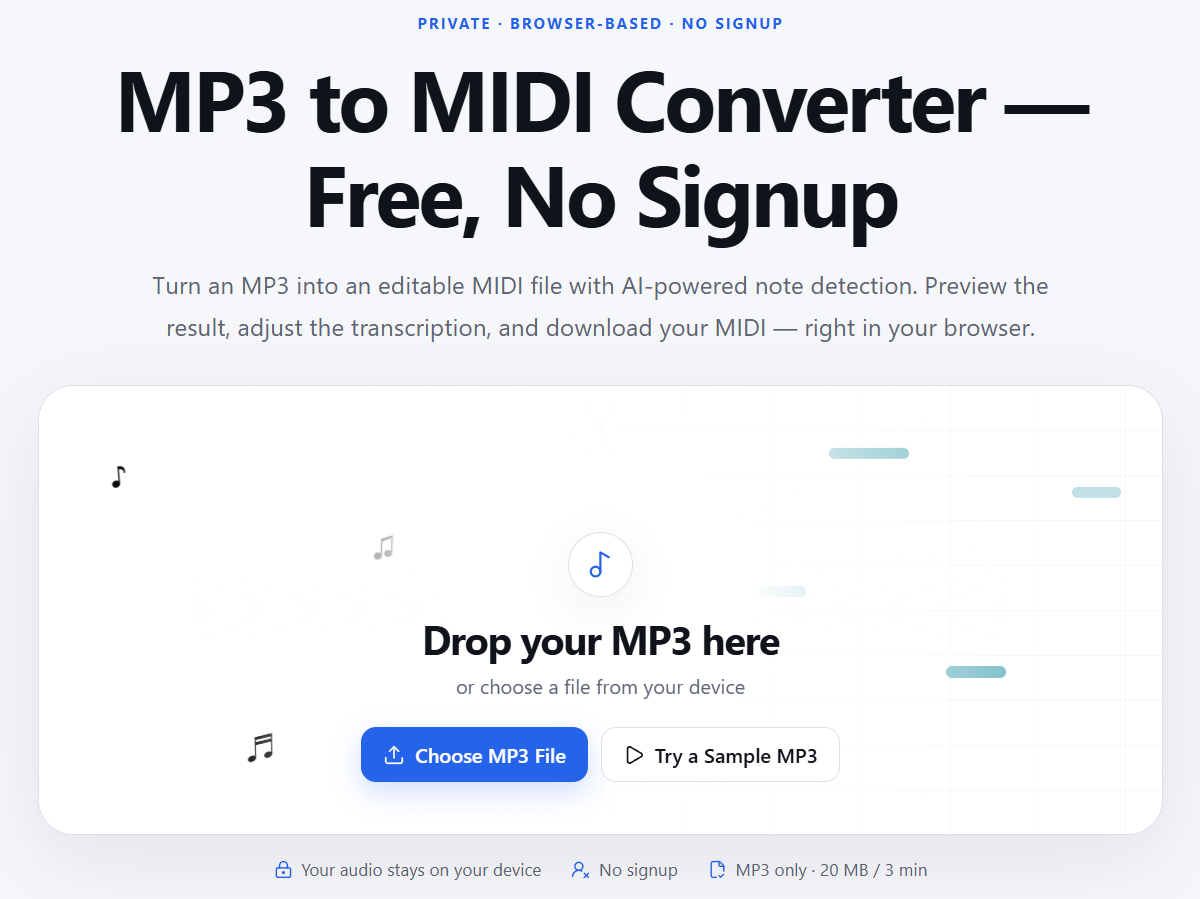
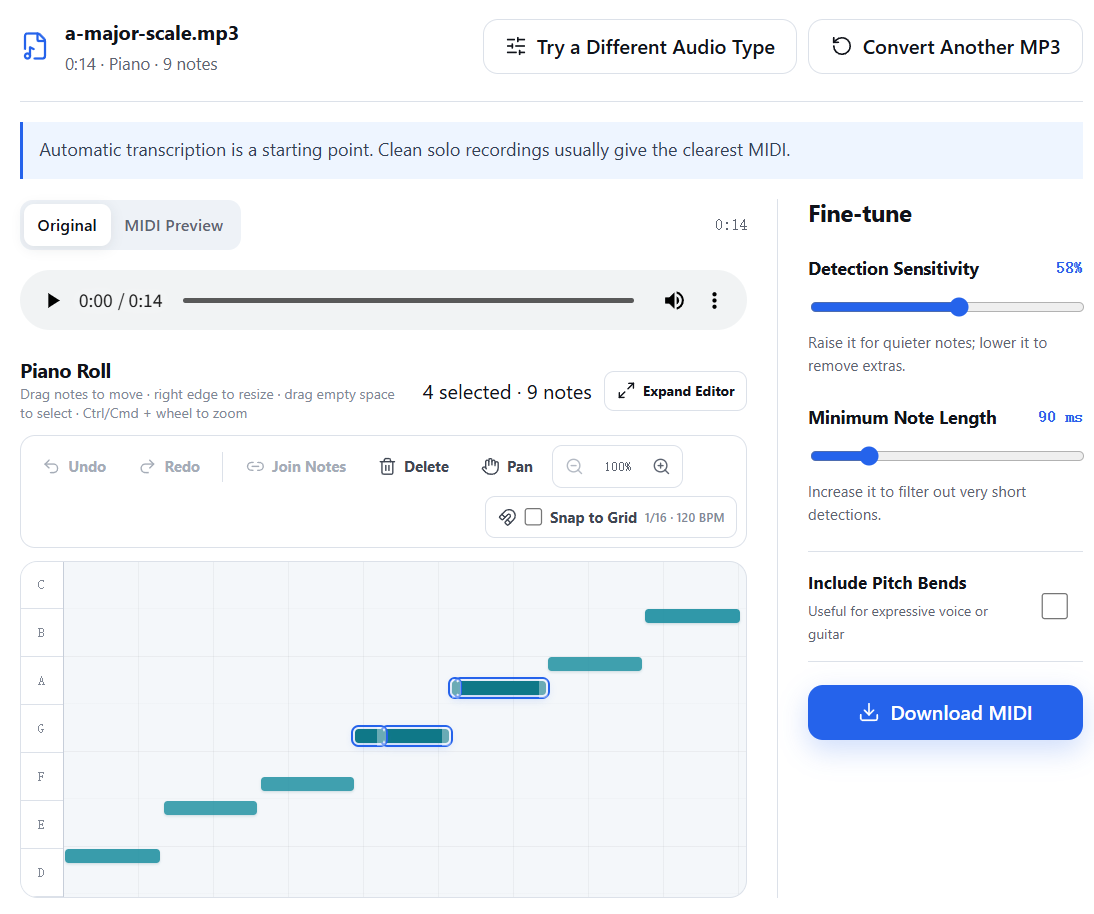
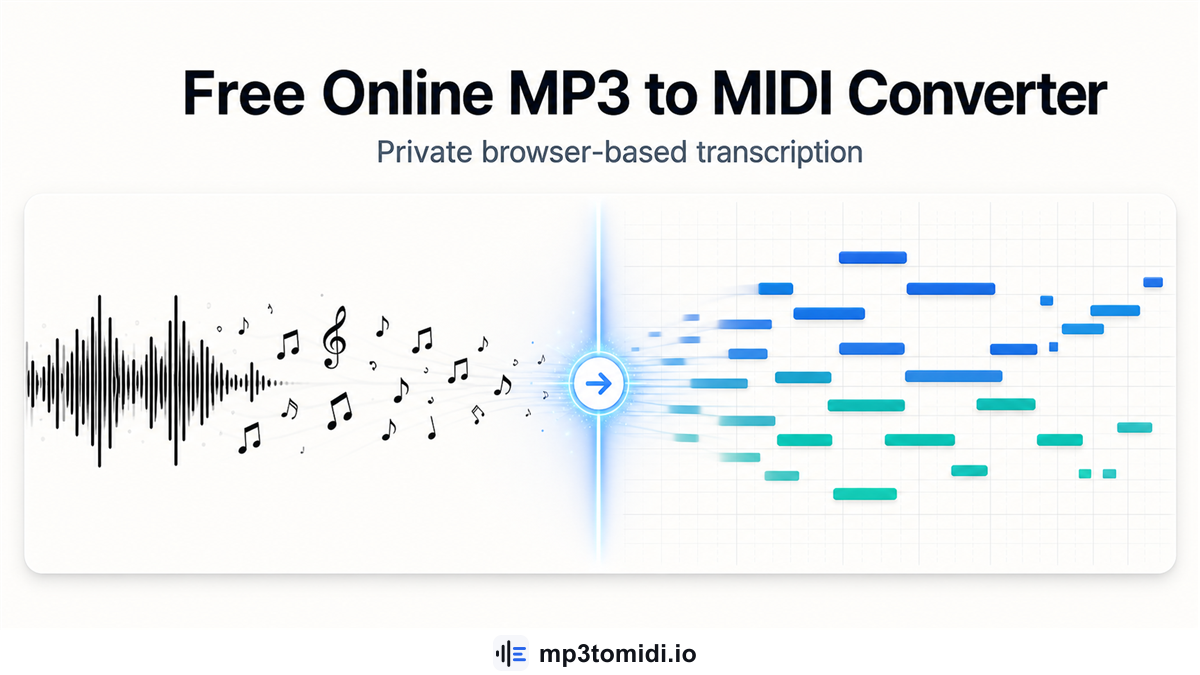
MP3 to MIDI is a browser-based converter that transcribes audio recordings into editable MIDI note data. Upload an MP3, select the closest instrument type, and the tool detects pitches, timing, and duration to produce a standard MIDI file you can open in any DAW or MIDI editor. The entire process runs on your device using a lightweight machine-learning model - no server upload, no account, and no software installation. For musicians who want to extract melodies from recordings, build sheet music from rough takes, or experiment with note-level editing of captured performances, the tool removes the friction of desktop transcription software.
For songwriters who record rough melody ideas on a phone, the tool converts those recordings into MIDI notes that can be refined in a DAW, layered with other instruments, or turned into sheet music. This bridges the gap between a voice memo and an editable composition.
For music teachers and students, transcribing a practice recording into MIDI provides a way to check timing accuracy, identify missed notes, and visualize performances in a piano roll format that is easier to analyze than raw audio.
For producers working with vocal or instrumental samples, extracting the note data from a recording allows quick recreation of melodies in different instrument patches without manually re-entering each note.
For guitarists and pianists who capture performances but want to edit specific passages, the MIDI output gives note-level control that audio editing alone cannot provide.
MP3 to MIDI is completely free. There is no freemium model, no paid tier, and no credit card requirement. The site states that the tool will remain free for all users. File limits are 20 MB and 3 minutes per upload.
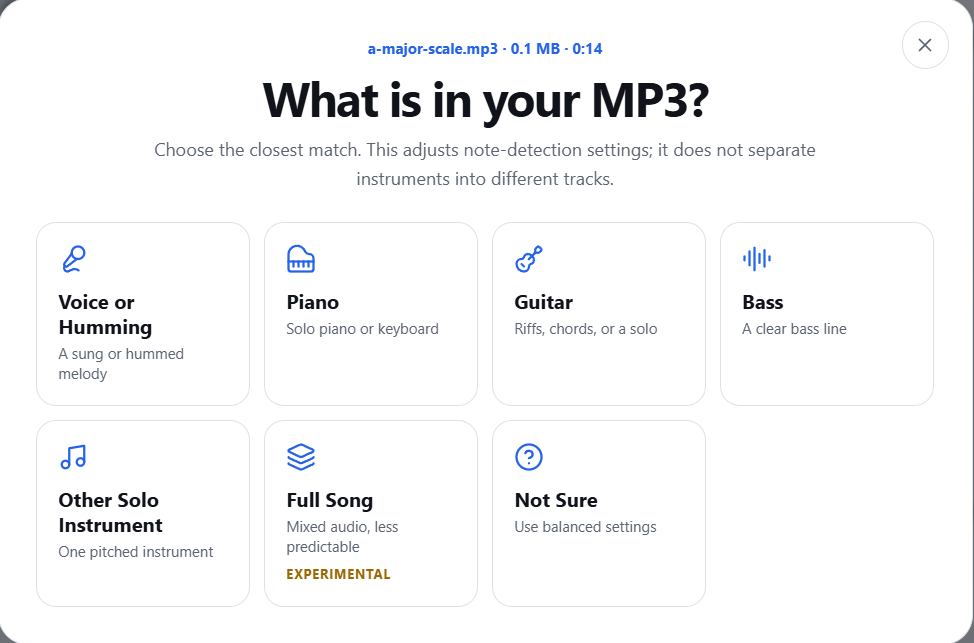
The interface follows a straightforward three-step flow: upload an MP3, choose an instrument preset, preview and download the MIDI. A sample MP3 is available for testing without uploading your own file. The about page explains the technology and privacy approach, and a contact page is available for product questions, privacy concerns, or copyright inquiries. Support appears to be email-based through the contact form.
The converter uses a client-side machine-learning model that runs entirely in the browser. It detects note onsets, sustained pitches, and timing from the audio waveform, then converts those detections into MIDI note events. The model handles polyphonic content and multiple instrument types, though it works best on clean recordings of a single instrument. The tool does not perform stem separation - it does not break a full-band mix into individual drum, bass, guitar, and vocal tracks. Standard MIDI files are generated and downloaded directly from the browser.
Pros
Cons
MP3 to MIDI is a free, browser-based tool that converts audio recordings into editable MIDI files. It uses AI-powered note detection to transcribe pitches, timing, and duration from MP3 files without uploading them to a server.
No. The entire conversion process runs in your browser using a client-side machine-learning model. Your audio files never leave your device.
The tool works with voice, piano, guitar, bass, and other pitched instruments. Choose the closest preset when uploading to help the model calibrate detection. It handles polyphonic content but works best on clean recordings of a single instrument.
Yes. After conversion, detected notes appear in an interactive piano roll where you can move, resize, join, or delete individual notes. You can also adjust sensitivity and minimum note length to fine-tune the transcription.
The output is a standard .MID file that can be opened in any DAW, MIDI editor, or notation software.
Yes. The tool accepts MP3 files up to 20 MB and 3 minutes in length. The site suggests trying a short section before processing longer recordings.
MP3 to MIDI fills a practical niche for musicians, producers, and educators who want to convert recordings into editable note data without installing desktop software or uploading files to a third party. The browser-based approach keeps audio private, and the interactive piano roll adds genuine editing value beyond a simple file conversion. The 3-minute limit and single-instrument focus are real constraints, but for quick transcription tasks - extracting a melody from a voice memo, checking timing accuracy, or building sheet music from a practice take - the tool delivers useful results with minimal friction. For longer or more complex recordings, readers should verify whether the transcription quality meets their needs before relying on it for production work.

朱智勇

Build Trust with DR Checker

Discover the Best AI Tools & SaaS Solutions

The One Startup : Navigate. Build. Grow.
Get your brand featured here
Discover similar products in the same category

Free synastry & soulmate compatibility by date of birth—plain language, no sign-up.