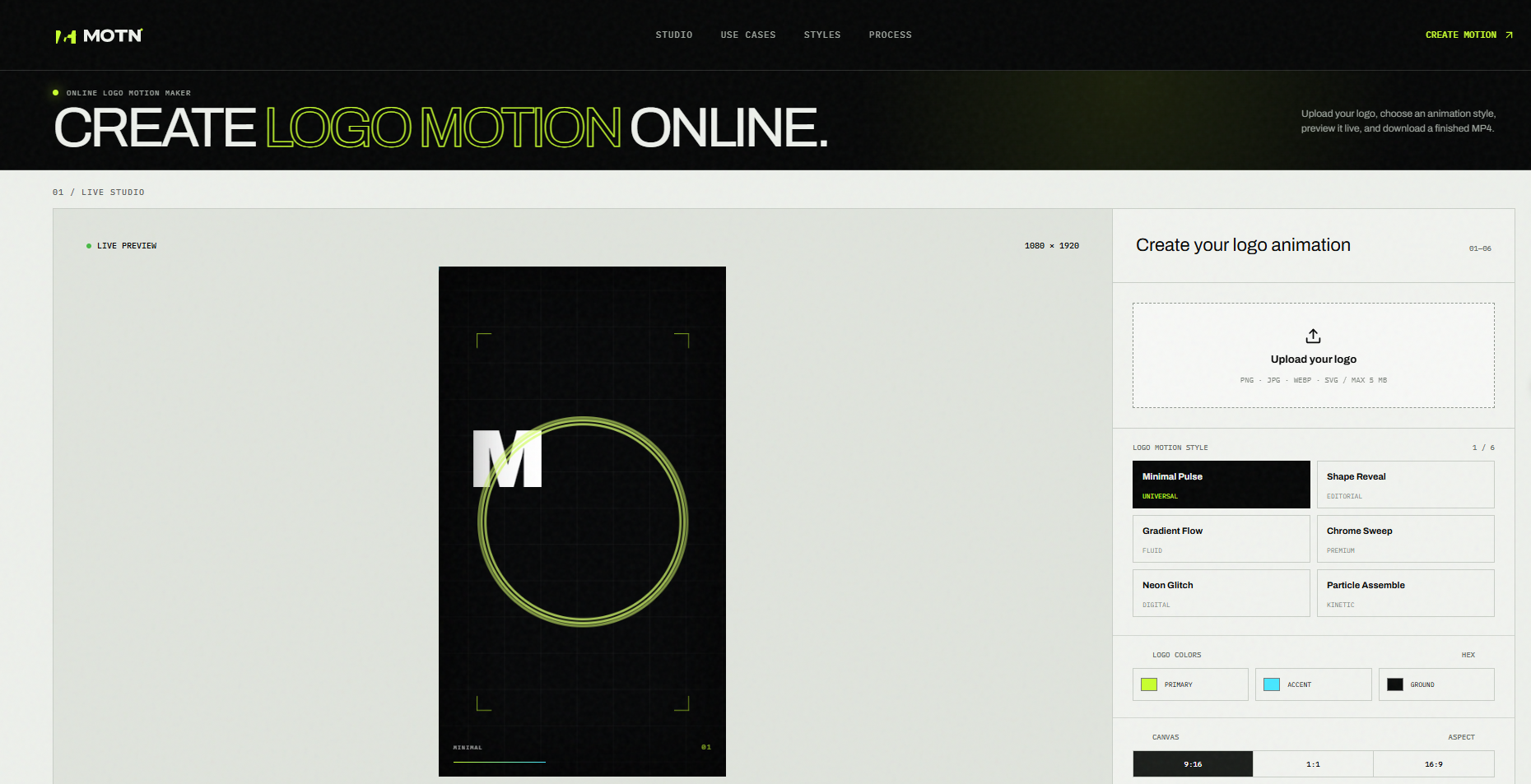
MOTN is an online logo motion maker that turns a static brand mark into a short branded animation. The public site frames the product as a browser-based alternative to timeline-heavy motion work: upload a logo, pick one of six editable styles, preview the result live, then download an H.264 MP4. It appears most useful for founders, marketers, and designers who need a clean logo intro for social posts, presentations, or video end cards without opening a full motion-design suite. Careful readers should still confirm access limits and any usage terms before relying on it for client or brand work, since those details are not clearly listed on the primary page.
MOTN fits teams that need a short logo animation for video intros, social posts, website transitions, presentation openers, or branded end cards. The page presents logo motion as a compact branded clip built around a static mark, which suggests it is better suited to quick packaging work than to long-form motion design.
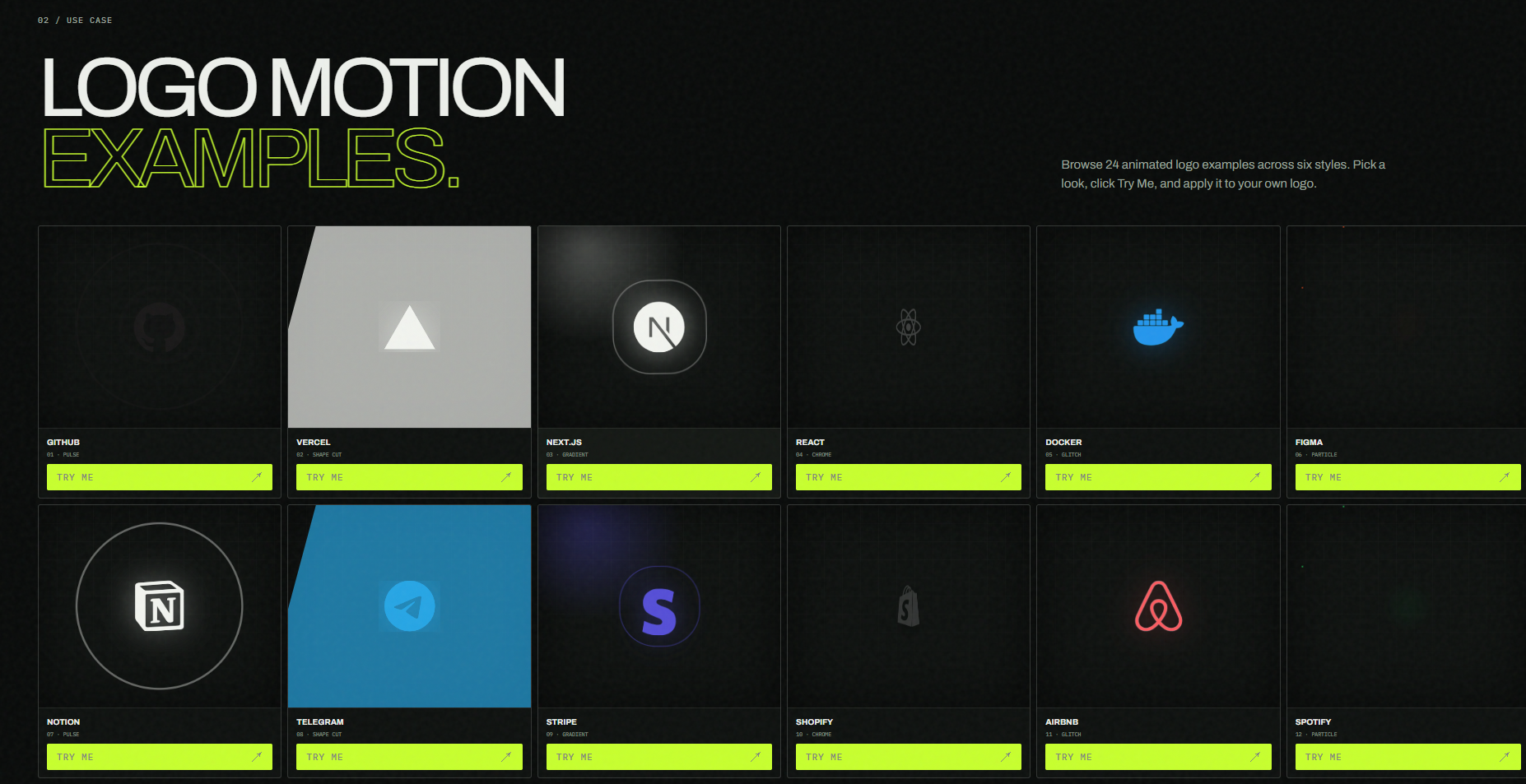
It also appears practical for creators who want to test several looks quickly. The site highlights six templates and 24 examples, so a designer can compare a soft pulse, a sharp editorial reveal, fluid color movement, chrome sweep, glitch effects, or particle assembly before committing to a final render. That workflow is likely most helpful when the logo asset is already clean and the goal is a short, recognizable brand moment rather than custom frame-by-frame animation.
The public page does not clearly show pricing, plan tiers, free limits, or commercial licensing terms. Before using MOTN for paid campaigns or client deliverables, check the site for any usage caps, export restrictions, or account requirements that may sit outside the homepage copy.
The site presents a direct upload-to-render path: add a logo, choose a motion style, adjust colors and timing, preview live, then render an MP4. Controls for style, HEX colors, aspect ratio, speed, and intensity are visible on the primary interface, which suggests the product is meant to feel editable in the browser rather than locked to a single preset.
Dedicated support, documentation, or contact routes are not clearly listed on the fetched page. The FAQ-style copy on the homepage covers basic questions such as what logo motion is, how to animate a logo online, and which file formats are accepted. Readers who need account help, commercial terms, or troubleshooting should look for a contact or help path elsewhere on the site before depending on the tool for production work.
MOTN renders finished animations as H.264 MP4 files, and the page states that the live browser preview reflects settings immediately when you adjust the motion controls. Upload formats include PNG, JPG, WebP, and SVG up to 5 MB. Transparent PNG or SVG files are described as usually giving the cleanest result.
The examples gallery shows brand marks only for motion-design demonstration, with trademarks belonging to their respective owners. Those brand names should be read as style demos, not as product integrations or partnerships. Broader platform, API, or export pipeline details beyond browser preview and H.264 MP4 download are not visible on the primary page.
Pros
Cons
MOTN is an online logo motion maker. The public page presents it as a way to create short branded logo animations by uploading a logo, choosing a style, adjusting colors and timing, previewing live, and downloading an MP4, without building the clip on a traditional motion timeline.
It appears most relevant for founders, marketers, freelancers, and designers who need a short logo intro or end card for social, web, or presentation use. People who need highly custom frame-by-frame animation may want to verify whether the six style-based templates are enough for their workflow.
The site lists Minimal Pulse, Shape Reveal, Gradient Flow, Chrome Sweep, Neon Glitch, and Particle Assemble. Each style supports custom colors, speed, intensity, and aspect ratio, and the page shows live preview plus H.264 MP4 render.
MOTN accepts PNG, JPG, WebP, and SVG files up to 5 MB. The page notes that transparent PNG or SVG files usually give the cleanest result.
Not clearly on the primary page. Readers should check the site for plan, export, or licensing details before using rendered clips in paid or client work.
Yes. The page states that the live browser preview shows your settings immediately, and the render button creates a downloadable H.264 MP4.
Confirm any usage limits, commercial terms, account requirements, and whether the six template styles meet the brand's motion guidelines. Also verify that the uploaded logo stays sharp enough at the chosen aspect ratio and intensity settings.
MOTN offers a focused path from a static logo to a short branded MP4, with six editable styles, live preview, and practical upload support for common logo formats. If you need a quick logo intro for social, presentation, or video packaging work, the public site makes that workflow easy to evaluate. Visit logo-motion.online to test a style on your own mark, and confirm pricing or usage terms before production use.

wanyao zhang

Discover the Best AI Tools & SaaS Solutions

The One Startup : Navigate. Build. Grow.

Build Trust with DR Checker
Get your brand featured here
Discover similar products in the same category
Plan the shot first, then generate: duration, aspect ratio and model as separate controls