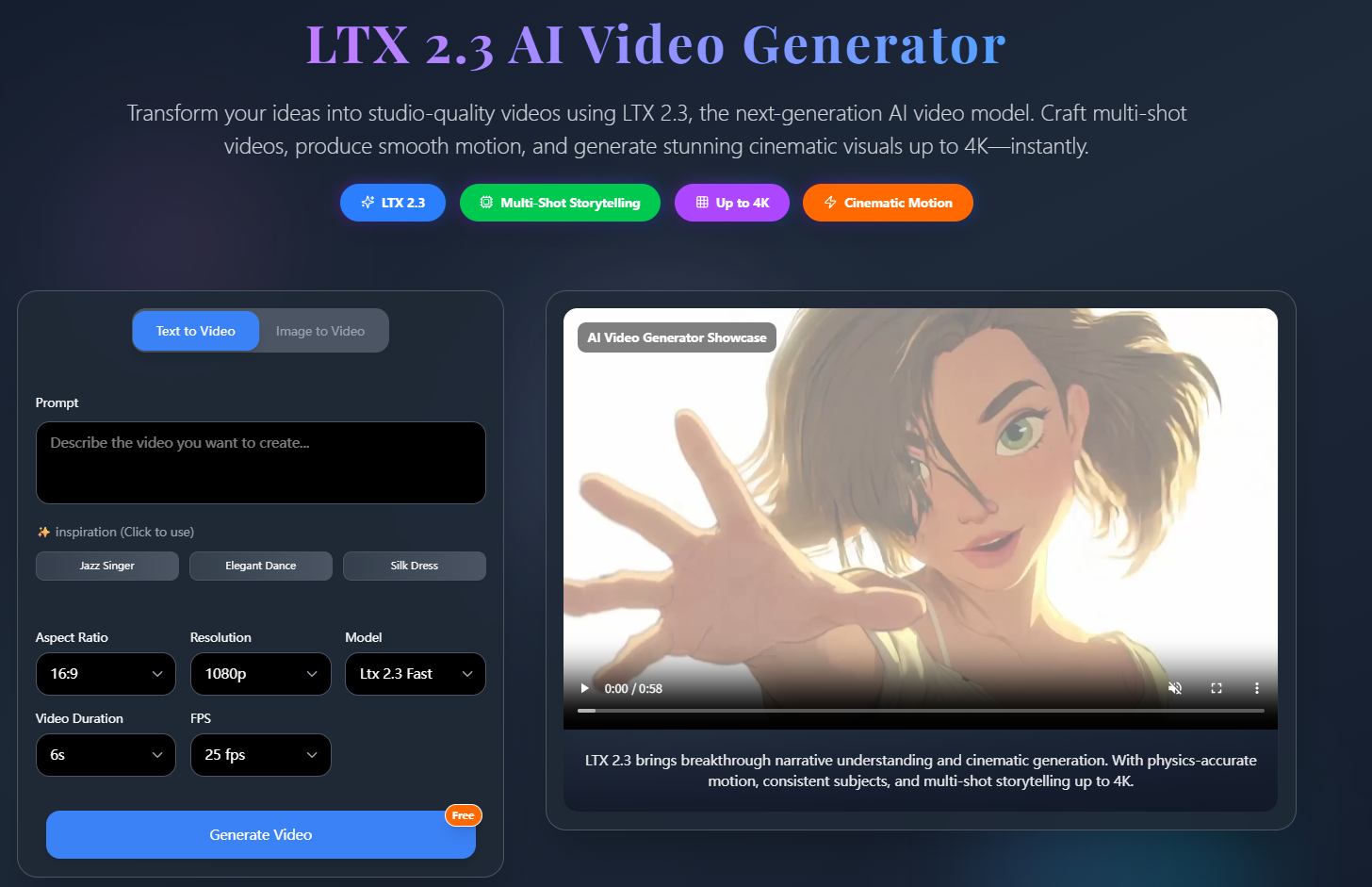
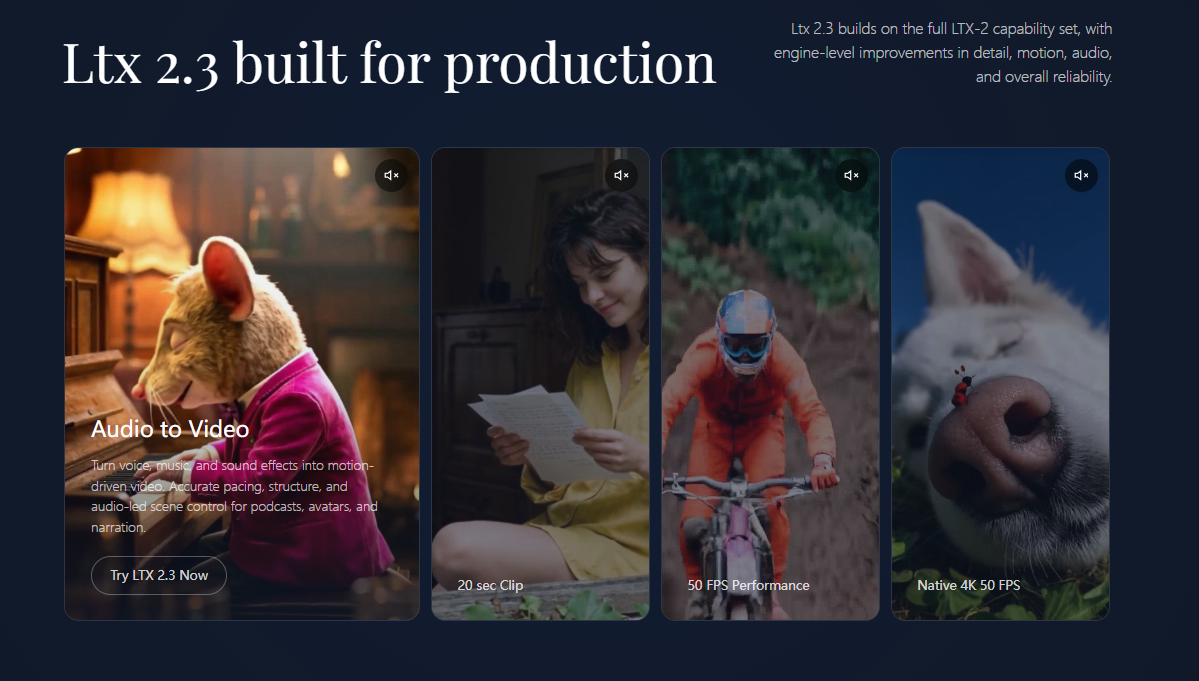
LTX 2.3 AI Video Generator is positioned as a next-generation model in the LTX-2 family for text-to-video, image-to-video, and audio-to-video creation with synchronized sound. The public page highlights multi-shot storytelling, portrait-native output, and production-oriented specs such as up to 20-second clips and native 4K at 50 FPS in marketing copy. Teams evaluating it for studio or social workflows should confirm licensing, paid tiers beyond the free web generator, and hardware needs for local or ComfyUI setups.
Social creators producing TikTok, Instagram Reels, or YouTube Shorts may use native portrait generation and quick web Generate Video Free trials. Marketers storyboarding concepts can combine text prompts with reference images and inspiration presets on the generator UI.
Podcasters and avatar projects might explore audio-led generation for motion tied to speech or music. Developers and studios interested in pipeline control are pointed toward ComfyUI workflows, local deployment, and an open ecosystem with model weights and code per FAQ content on the same page.
The embedded generator advertises Generate Video Free for trying the hosted tool; detailed subscription or credit pricing tables were not on the single fetched product URL. JXP COM LIMITED operates the site; confirm commercial terms, usage limits on free generation, and refund rules via Refund Policy and checkout before production use.
The workflow is framed as three steps: upload assets, describe vision with natural-language prompts, then generate and refine. A Getting Started guide and Prompt Guide are linked from the page. Community support includes Discord and X; email support@jxp.com appears in the footer. An Android App (Beta) is listed under Products.
LTX 2.3 builds on the LTX-2 stack with stated engine updates to latent space, VAE, text connector, vocoder, and training data for detail and audio quality. Public FAQ answers say the model supports ComfyUI, local workflows, and an open source ecosystem with weights and builder-friendly flows-verify license terms and hardware requirements for your deployment. Specs marketed include synchronized audio-video at up to 50 FPS and native 4K for high-end output, plus integration with Seedream 4.0 for image generation when a still is needed first.
Pros
Cons
The site describes it as the latest LTX-2 family release for high-fidelity video and synchronized audio across text-to-video, image-to-video, and audio-to-video, with stronger production-focused performance than earlier versions.
You can provide prompts plus optional uploaded images; the UI also references audio/video assets and inspiration presets, with image formats jpg, png, jpeg, and webp listed.
Yes-native portrait generation up to 1080×1920 is advertised for mobile-first formats without cropping landscape output.
Image-to-video is supported; copy on the page stresses improved motion and consistency from the source frame compared with prior releases.
On-page FAQ states ComfyUI support and suitability for local workflows with more control over privacy, hardware, and deployment.
The FAQ claims an open ecosystem with model weights, code, and builder workflows; confirm the exact license and repository locations from official JXP/LTX resources before building products on it.
The site names creators, marketers, developers, SaaS founders, studios, and teams needing text, image, or audio-driven video generation.
LTX 2.3 AI Video Generator on jxp.com targets creators and production-minded users who want multimodal AI video with portrait support, audio sync, and optional local or ComfyUI workflows. It fits evaluators who will test the free generator, read terms and refund policy, and validate open-source and hardware claims against their pipeline before scaling use.

emily jones

The One Startup : Navigate. Build. Grow.

Discover the Best AI Tools & SaaS Solutions

Build Trust with DR Checker
Get your brand featured here
Discover similar products in the same category

Plan the shot first, then generate: duration, aspect ratio and model as separate controls