
Ready-made color palettes, a page for every named color, and browser-based tools for building
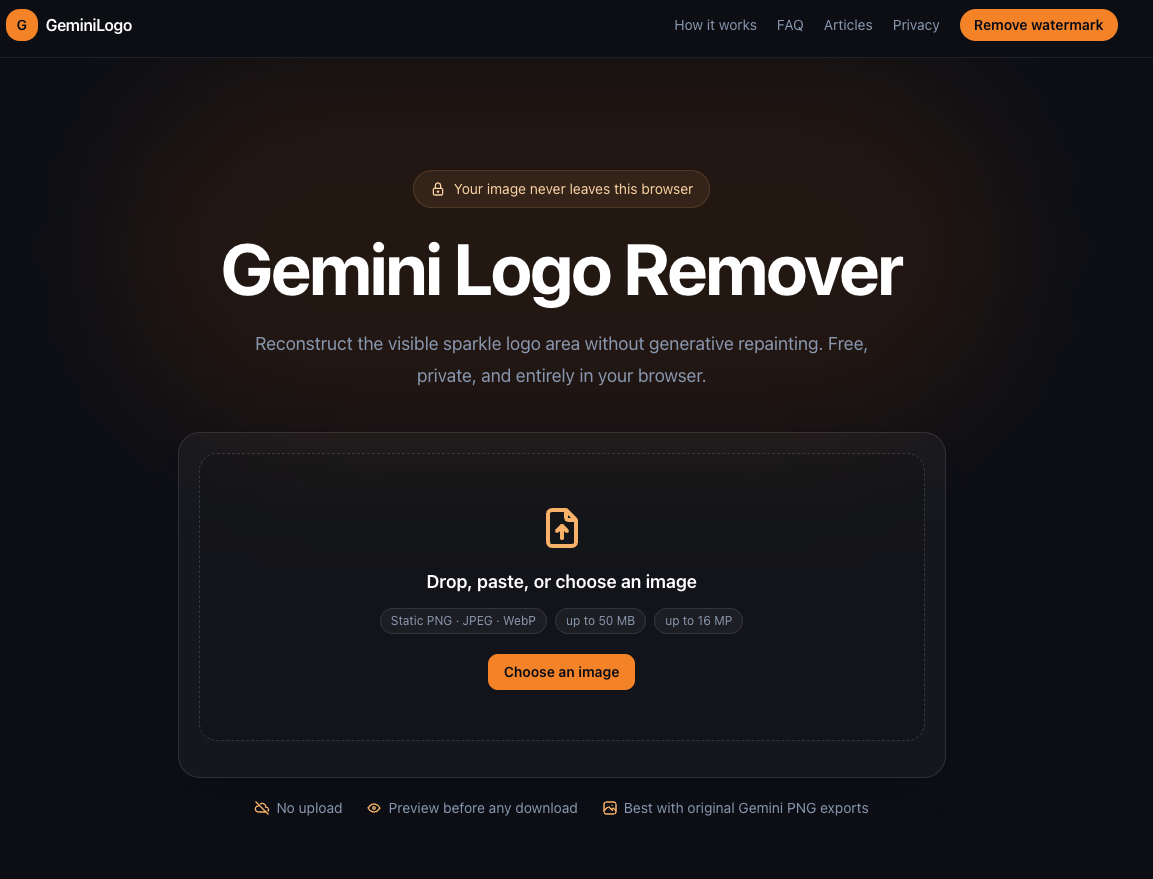
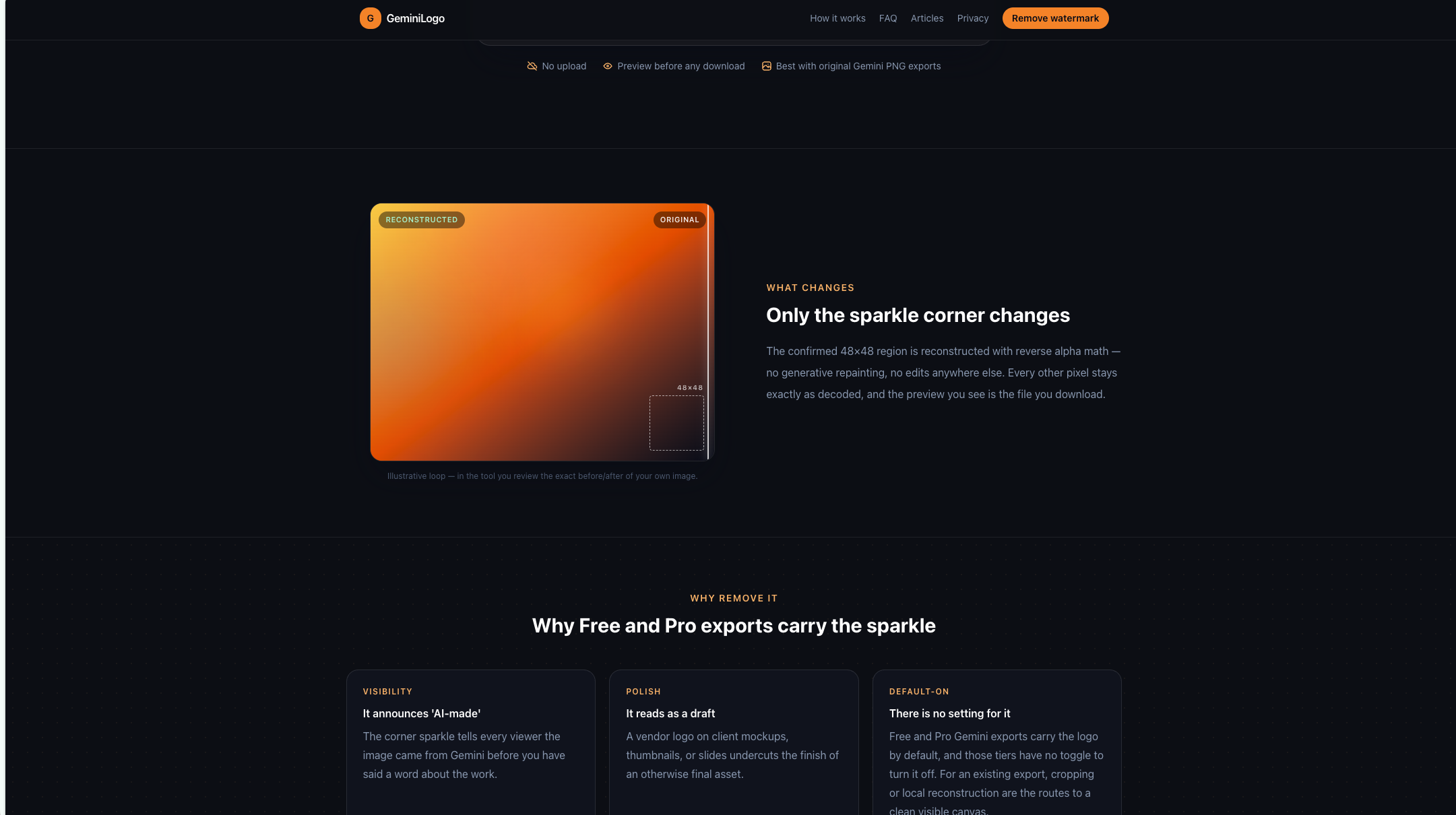
Gemini Logo Remover is a free, browser-based tool that removes the Google Gemini sparkle watermark from AI-generated images without uploading anything to a server. The tool reconstructs the confirmed 48x48 sparkle region using reverse alpha math - no generative repainting, no edits to any other pixels - and runs entirely in your browser. For creators who use Gemini's free or Pro tiers and need clean exports for client mockups, thumbnails, presentations, or social posts, the tool addresses a specific gap: Gemini exports carry the sparkle logo by default, and those tiers offer no toggle to disable it.
For designers and marketers who receive Gemini AI-generated images for client work, the sparkle watermark creates a professional presentation problem. A vendor logo on mockups, thumbnails, or slide decks undercuts the polish of an otherwise final asset. The tool removes that watermark locally without requiring Photoshop or generative fill tools.
For content creators building social media assets from Gemini exports, the sparkle corner can distract from the visual message. The in-browser workflow means you can clean an image in seconds without switching to desktop editing software.
For anyone who needs to reconstruct a specific region of an AI-generated image without altering the rest, the reverse alpha approach provides a more predictable result than generative inpainting, which may introduce unwanted changes to surrounding pixels.
The tool is completely free with no visible paid tiers, subscriptions, or credit requirements on the public pages. There are no feature gates, usage limits, or export restrictions mentioned in the fetched evidence.
The workflow follows three steps: choose an image, review the exact before/after preview, then download. The interface is minimal - no onboarding, no account creation, no settings beyond the region adjustment. The public site emphasizes that the preview you see is the file you download, which sets clear expectations.
Support is not prominently detailed on the public pages. The site does not list contact channels, response times, or documentation beyond the tool interface itself.
The tool operates entirely in the browser with no server-side processing. It decodes the uploaded image locally, identifies the confirmed 48x48 sparkle region, applies reverse alpha reconstruction to that specific area, and presents a 4x preview for verification. The output preserves every pixel outside the reconstructed region exactly as decoded. The tool is described as best suited for original Gemini PNG exports, suggesting it may rely on specific metadata or format characteristics to locate the watermark region accurately.
Pros
Cons
The tool removes the Google Gemini sparkle watermark from AI-generated images by reconstructing the confirmed 48x48 sparkle region using reverse alpha math. It runs entirely in your browser with no upload, no server processing, and no account required.
No. All processing happens locally in your browser. The image never leaves your device, and no data is collected or transmitted.
Generative fill tools reinterpret the watermark area, which can introduce subtle changes to surrounding pixels. Gemini Logo Remover uses reverse alpha reconstruction on the specific sparkle region only, leaving every other pixel exactly as decoded. The result is more predictable and faithful to the original.
The tool is described as best suited for original Gemini PNG exports. The public site does not detail support for other formats, so users working with JPEG, WebP, or non-Gemini sources should verify compatibility.
Yes. If the sparkle sits in an unexpected position, you can adjust the fixed box coordinates and the preview regenerates to reflect the change. This accommodates different image compositions and export variations.
The tool is completely free with no visible usage limits, paid tiers, or credit requirements on the public pages.
Gemini Logo Remover solves a narrow but real problem: cleaning the sparkle watermark from Gemini AI-generated images without leaving your browser. The reverse alpha approach is a thoughtful alternative to generative inpainting, offering more predictable results for a specific region. For creators who regularly work with Gemini exports and need clean assets for professional use, the free, zero-upload workflow is practical and privacy-respecting. The main limitation is its narrow scope - it handles Gemini sparkles specifically, not general image cleanup - but within that niche, it does the job without friction.

edmond

Discover the Best AI Tools & SaaS Solutions

The One Startup : Navigate. Build. Grow.

Build Trust with DR Checker
Get your brand featured here
Discover similar products in the same category
Ready-made color palettes, a page for every named color, and browser-based tools for building

A practical five-step guide to turning product photos into coordinated image and video ads for ecomm

## Introduction MogScore AI is a browser-based tool that scores facial photos for camera-readiness and provides guidance on improving future shots. Available at [mogscore.ai](https://mogscore.ai), the platform runs an instant AI face-score analysis locally in the browser, returning a 0-100 score across five dimensions - Face Structure, Eyes & Expression, Nose & Mouth, Camera Setup, and Photo Quality - without requiring a login for the free preview. Users can then optionally unlock a full facial metrics report for detailed reasoning, priority-ranked fixes, and a next-photo protocol. The site is clear that scores are entertainment and self-improvement guidance, not medical or identity claims, which is an important framing for anyone evaluating the tool. ## Key Features - **Instant Browser-Local Scoring** - upload a solo selfie and receive an AI face score with five dimension bars (0-100) without any login or server-side processing for the free preview - **Five Dimension Breakdown** - scores for Face Structure, Eyes & Expression, Nose & Mouth, Camera Setup, and Photo Quality, shown as metric cards at a glance - **Free Preview Console** - see your overall score, visible dimension cards, camera and hair framing tips, and a next-photo checklist without creating an account - **Full Facial Metrics Report** - a one-time $4.99 unlock adds AI-reviewed score reasoning, visual evidence from your photo, priority-ranked fixes, camera-limited confidence notes, and a retake protocol - **No Subscription** - each full report is a one-time purchase per photo; there is no recurring billing ## Use Cases People preparing headshots, dating-profile photos, or social-media portraits can use the free preview to quickly gauge how a photo scores across key dimensions. The camera setup and photo quality scores, in particular, help identify whether the issue is lighting and framing rather than facial features - which is actionable advice for retaking the shot. Users who want structured, prioritized feedback on what to change before their next photo session can unlock the full report for specific fix order, reasoning behind each dimension score, and a retake protocol. This is aimed at self-improvement rather than diagnostic use, which the site makes explicit. ## Pricing The free preview requires no login and no payment. The Full Facial Metrics Report costs $4.99 as a one-time unlock per report - there is no subscription. Payment confirmation is required before the full report is generated, and the site emphasizes that users can review the free preview first before deciding to pay. ## User Experience and Support The workflow is streamlined into three steps: upload a clear solo selfie, let the browser-local analysis run, and review the free preview or unlock the full report. Google sign-in is only required when purchasing the full report. The site includes an FAQ section that addresses what the score is for, whether it requires login, whether it is a subscription, and how the scoring works. A "Guides" section appears in the navigation, suggesting additional resources, though the specific content was not fetched. No dedicated help center, live chat, or support email is visible on the public page. ## Technical Details MogScore runs its instant scoring entirely in the browser - the site describes this as "browser-local analysis" where camera, framing, and face signals are read locally before any paid step. The paid full report generation uses a structured score summary after the unlock payment. No server-side processing occurs for the free preview, which means the photo data for the free tier does not leave the user's device. The site does not disclose which AI model or framework powers the scoring, what training data was used, or whether any photo data is stored after the full report is generated. No API, developer tools, or integrations are mentioned. ## Pros and Cons **Pros** - Free preview with no login required, lowering the barrier to try the tool - Browser-local scoring for the free tier means photo data stays on the user's device initially - Clear dimension breakdown (five categories) makes scores interpretable - Transparent pricing - $4.99 one-time per report, no subscription - The site explicitly frames scores as entertainment and self-improvement guidance, not medical or identity claims **Cons** - The free preview locks the most actionable content - score reasoning, priority fixes, and the retake protocol - behind the paid report - The underlying AI model, training methodology, and scoring criteria are not disclosed, making it hard to assess score reliability - No visible support channel beyond the FAQ section - The site does not clarify whether photo data is retained or deleted after purchasing a full report - The scoring concept itself - rating facial appearance numerically - may not appeal to all users regardless of the entertainment framing ## FAQ ### What is MogScore AI and what does it measure? MogScore AI is a browser-based tool that scores facial photos for camera-readiness across five dimensions: Face Structure, Eyes & Expression, Nose & Mouth, Camera Setup, and Photo Quality. The site describes it as a "score preview for camera-readiness and next-photo guidance," and explicitly states that scores are entertainment framing plus self-improvement guidance, not medical or identity claims. ### Do I need to create an account to use MogScore? No. The free preview - which includes the overall score, dimension bars, camera and hair framing tips, and a next-photo checklist - does not require any login. Google sign-in is only needed when unlocking the paid Full Facial Metrics Report. ### What does the $4.99 full report include? The Full Facial Metrics Report adds AI-reviewed score reasoning, visual evidence from your photo, priority-ranked fixes with exact order, camera-limited confidence notes, and a next-photo retake protocol. It is a one-time purchase per report with no subscription. ### Is my photo data sent to a server? For the free preview, scoring runs entirely in your browser - the site states that camera, framing, and face signals are read locally. The paid report generation uses a structured score summary after unlock, but the site does not specify whether photo data is stored, transmitted, or deleted after the report is generated. Users concerned about privacy should verify the data handling policy before purchasing. ### Can I use MogScore for multiple photos? Yes. Each full report is a one-time $4.99 unlock per photo. You can run the free preview on as many photos as you want, and pay only when you want the detailed metrics report for a specific photo. ### How reliable are the scores? The site does not disclose the AI model, training data, or scoring methodology behind the scores. The scores are presented as entertainment and self-improvement guidance rather than objective measurements. Users should treat the numbers as directional feedback rather than definitive assessments. ## Conclusion MogScore AI offers a fast, no-login way to get an AI face score with a five-dimension breakdown, and the browser-local processing for the free preview is a thoughtful privacy choice. The $4.99 full report adds structured reasoning and prioritized fixes for users who want actionable retake guidance. The main caveats are the undisclosed AI methodology - which makes it hard to evaluate score reliability - the lack of clarity on data retention for paid reports, and the fact that the most useful advice is locked behind the paywall. For someone curious about how their photo scores and willing to pay for specific improvement tips, [MogScore AI](https://mogscore.ai) is a straightforward tool - but treat the scores as guidance, not measurement.