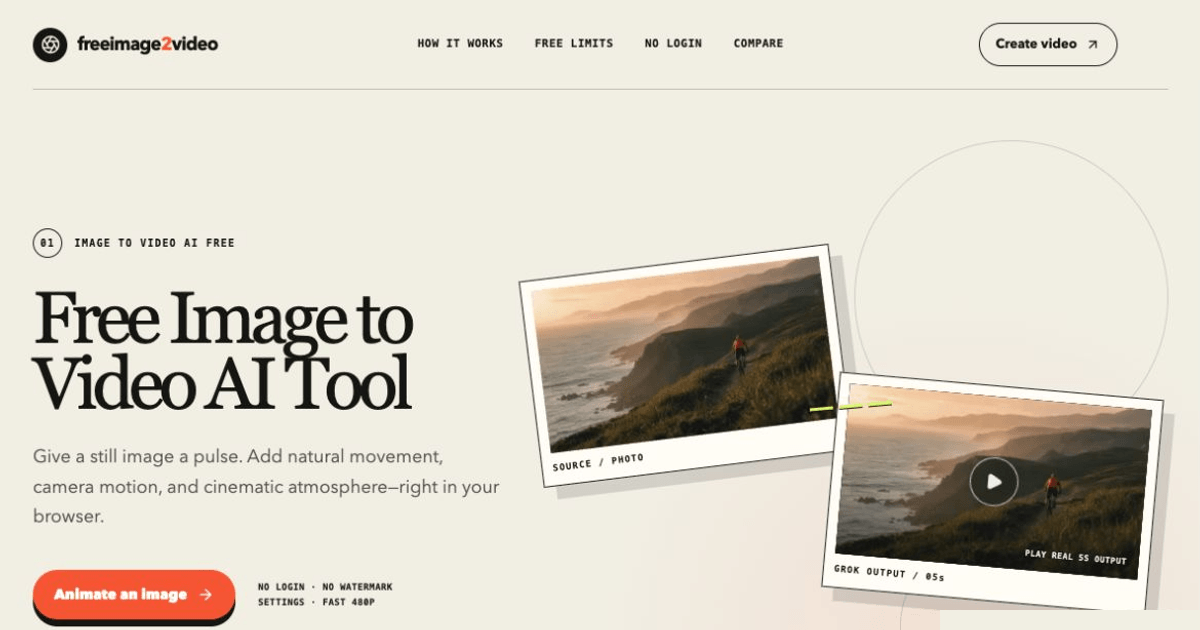
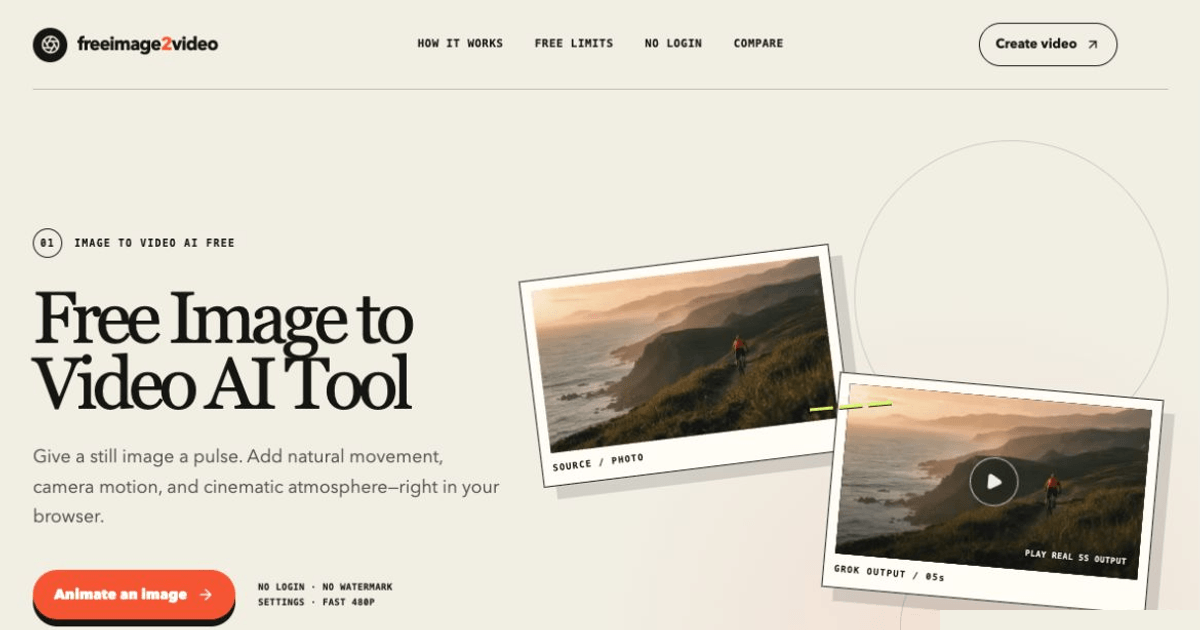
Free Image to Video is a browser-based AI tool that converts still images into short animated clips without requiring an account, watermark, or credit card. Users upload a JPG, PNG, or WebP image up to 10MB, describe an optional motion prompt, and receive a 5-second MP4 rendered in the browser. The free tier allows 2 generations per day without login and up to 10 per day with Google sign-in, making it one of the more accessible entry points for creators who want to test image-to-video AI without committing to a subscription.
For social media creators who want to add subtle motion to product photos, portraits, or landscape shots, the tool offers a fast way to produce short animated clips for Instagram Reels, TikTok, or Twitter without video editing software. The 5-second duration and MP4 format are well-suited to short-form content.
For marketers and small business owners testing video content for the first time, the zero-cost, no-account approach removes the typical barrier of evaluating AI video tools. You can animate a product photo, see the result, and decide whether the output quality warrants a paid tool - all within a few minutes.
For designers and photographers exploring AI-assisted motion, the prompt-guided approach lets you experiment with different movement directions on the same source frame. The public site recommends sharp images with clear foreground/background separation, visible faces, and clean edges, which gives users a practical framework for getting usable results.
The free tier provides 2 generations per day without login (no credit card, no watermark). Signing in with Google unlocks 10 generations per day. The public site does not display paid plan pricing on the homepage, suggesting the current model is freemium with the free tier as the primary offering. Users should check the site directly for any premium tiers or credit-based pricing that may exist beyond what is visible on the public pages.
The interface is minimal: upload an image, optionally type a motion description, set duration and quality, then click generate. The preview stays on the same page, so swapping the source frame before rendering is straightforward. Output is a temporary download link to an MP4 file.
Support details are not prominently documented on the public pages. The site includes a "How It Works" section and tips for getting best results, but specific support channels, response times, or documentation beyond the homepage are not visible in the fetched evidence.
The tool renders 5-second MP4 clips at 480p resolution, described as "web ready." Generation happens server-side with results delivered via temporary download links. The platform uses Cloudflare Turnstile for abuse protection. No information about the underlying AI model, API access, batch processing, or higher-resolution output options is visible on the public pages. The site mentions that the tool supports JPG, PNG, and WebP inputs up to 10MB.
Pros
Cons
Free Image to Video is a browser-based AI tool that converts still images into 5-second animated MP4 clips. Upload a JPG, PNG, or WebP image, optionally describe a motion direction, and the tool generates a short video - all without creating an account or entering payment information.
No. The free tier allows 2 generations per day without any login. Signing in with Google unlocks 10 generations per day. No credit card is required for either tier.
The tool produces 5-second MP4 clips at 480p resolution. The public site describes this as "web ready," which suits social media posts and quick previews but may not meet requirements for polished video production.
The tool accepts JPG, PNG, and WebP files up to 10MB. The public site recommends sharp images with clear foreground and background separation, visible faces for portraits, and clean edges for product images.
The public site advises choosing a sharp source image, writing one clear motion instruction rather than a long prompt, and ensuring the motion description aligns with the image content. Examples include camera pans, subject movement, and atmospheric effects.
The public site shows the free tier with daily generation limits but does not display paid plan pricing on the homepage. Users should check the site directly for any premium options beyond the visible free offering.
Free Image to Video fills a specific niche: quick, no-commitment image-to-video conversion for creators who want to test AI animation without signing up for another SaaS tool. The zero-barrier access and watermark-free output make it a practical starting point for social media clips and content experiments. The 5-second, 480p limitations mean it is best suited for short-form social content rather than polished video production, but for its intended use case, the free tier delivers on its promise without hidden catches.

Lin Linzzy

The One Startup : Navigate. Build. Grow.

Build Trust with DR Checker

Discover the Best AI Tools & SaaS Solutions
Get your brand featured here
Discover similar products in the same category
Beat artist's block instantly with randomized, multi-category drawing prompts and AI inspiration.

Roblox GUI Maker — a free, browser-based visual builder for Roblox game GUIs. Design by drag-and-dro