
CrawlHunt finds and fixes SEO issues, improves site speed, and boosts search visibility with AI.
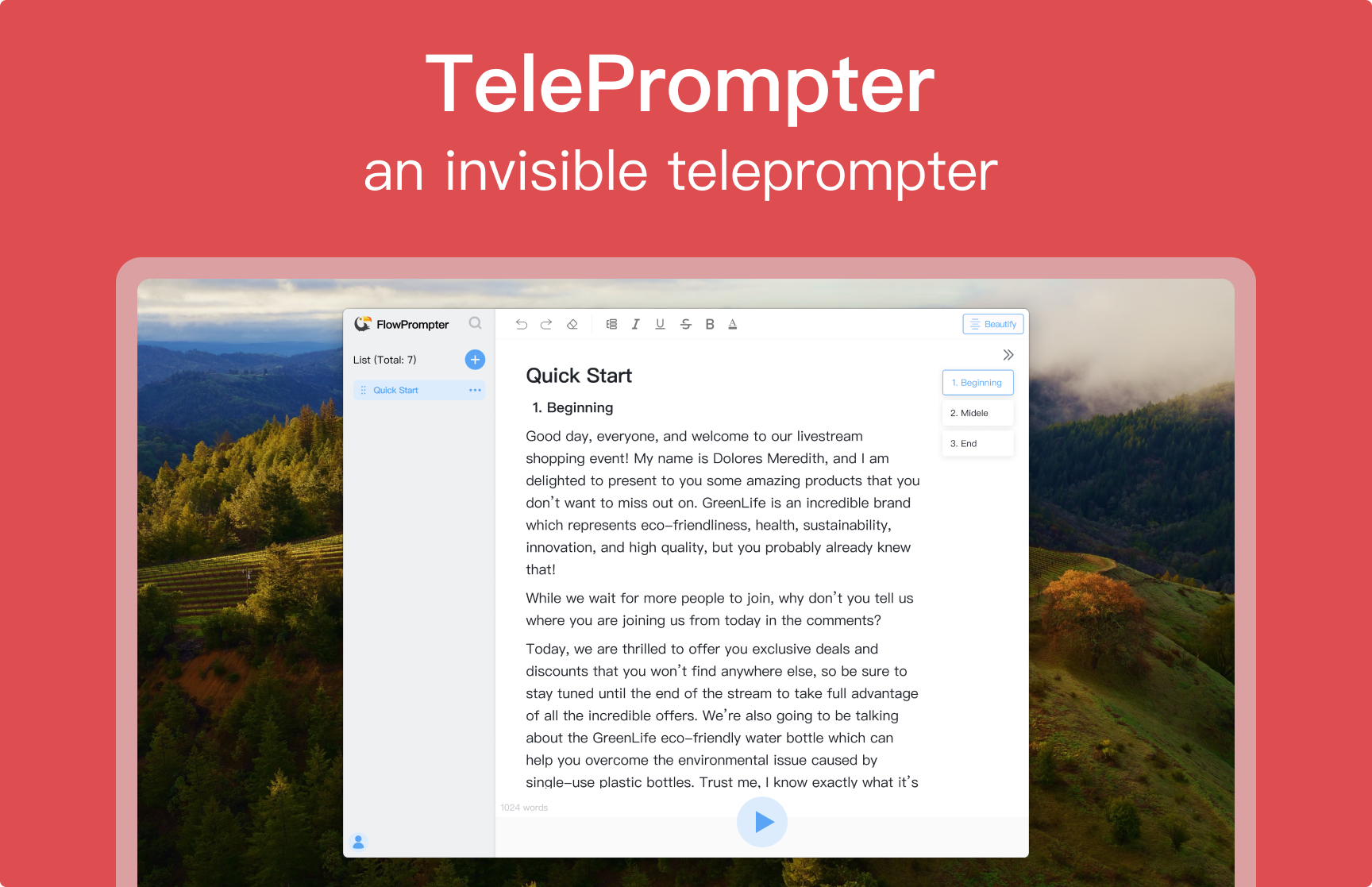
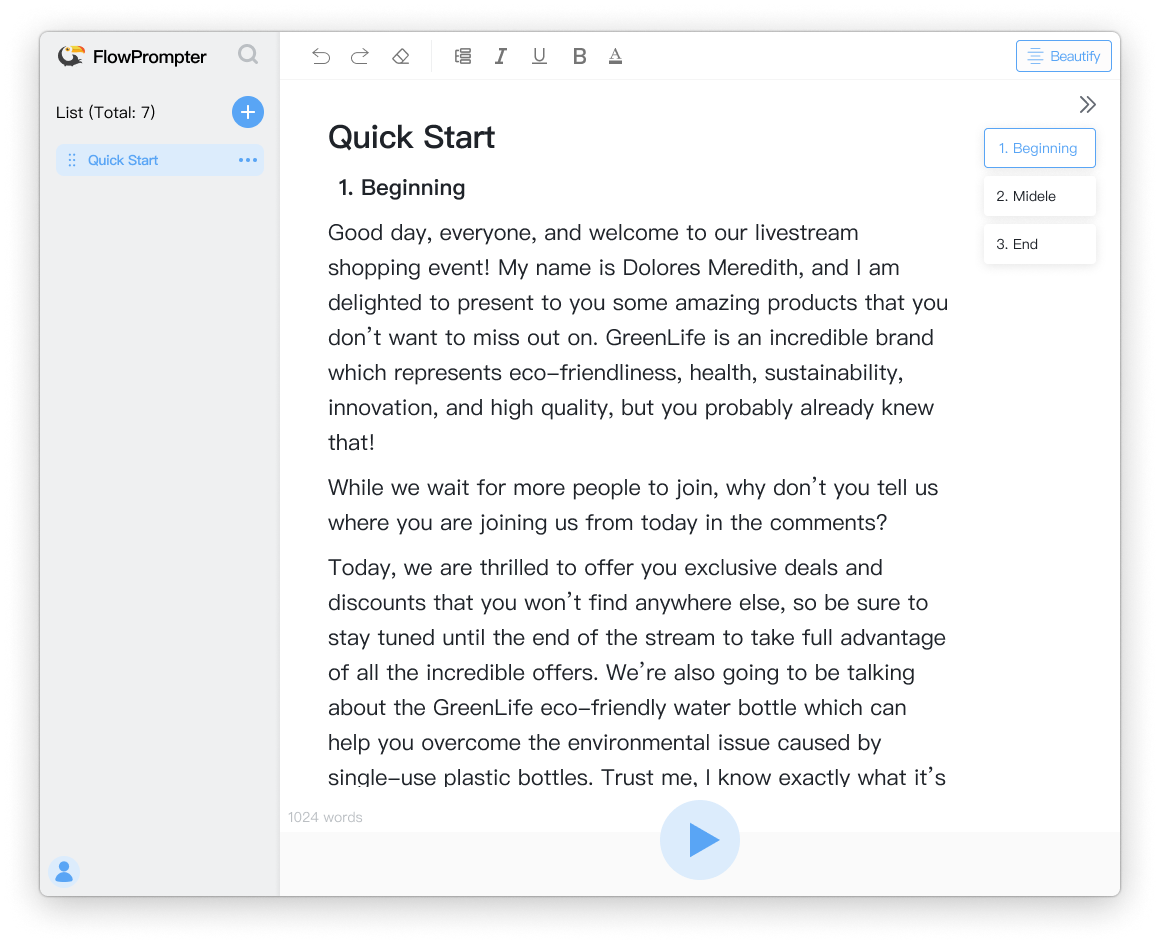
FlowPrompter is desktop and online teleprompter software built so scripts stay visible to the speaker while remaining hidden during screen sharing, Zoom calls, recordings, and screenshots. The product targets creators, presenters, and educators who need steady on-camera delivery without exposing notes to the audience. Confirm invisible-window behavior on your exact OS, meeting app, and capture setup before a live session.
Zoom or Teams calls with slide sharing benefit when talking points stay off the shared capture, per on-page user quotes. Tutorial and lesson recording is another focus: follow a script while the prompt layer stays out of the final video.
Live product demos and presentations use outline switching to avoid losing momentum between sections. Online-only use fits quick drafts and lightweight rehearsal; desktop Plus fits meetings and recordings where invisibility matters.
The pricing page describes a Free tier at $0 for quick drafting and rehearsal: markdown editor, auto scrolling limited to 20 minutes per day, online workspace, and community support. Desktop Plus is marketed at $8.99/month or $89.9/year (meta description) with unlimited auto scrolling, invisible mode for screen sharing, and priority support. Monthly and annual billing toggles appear on the site. A free trial is mentioned for Plus; verify trial terms at checkout.
FlowPrompter steers users toward Download Desktop for real delivery and Try Online for first drafts. Support paths include community support on Free and priority support on Plus, plus email contact at hi@flowprompter.app. The interface emphasizes language selection and blog or "How It Works" content. Test invisible mode with your actual screen-share target before relying on it for client-facing calls.
FlowPrompter runs on web, macOS, and Windows per structured data on the site. Desktop is where the invisible overlay is positioned; online handles drafting and limited daily scrolling on Free. No third-party integration catalog was visible beyond general Zoom and recording workflows. Multi-device sync keeps scripts available across environments; confirm account requirements for sync.
Pros
Cons
FlowPrompter is teleprompter software with a transparent overlay so you can read scripts on camera while keeping prompts hidden from screen sharing and recordings on desktop.
Yes, there is a $0 online tier with limits. Desktop Plus with invisible mode and unlimited scrolling is a paid upgrade.
The site lists web (Try Online), macOS, and Windows desktop downloads.
Online fits quick draft and practice. Desktop is recommended for Zoom, tutorials, recordings, and any shared-screen workflow needing the invisible window.
Public pricing cites $8.99/month or $89.9/year; confirm current amounts on the pricing page before purchase.
Marketing states scripts can stay available across devices so you can draft online and deliver on desktop.
Free users get community support; Plus lists priority support. Email hi@flowprompter.app is provided for contact.
FlowPrompter focuses on invisible prompting for screen-shared meetings and clean recordings, with a free online entry and Plus desktop pricing for unlimited scroll and invisibility. Start on flowprompter.app online if you are drafting, then download desktop and test share capture before your next live call.

Sean Liu

The One Startup : Navigate. Build. Grow.

Build Trust with DR Checker

Discover the Best AI Tools & SaaS Solutions
Get your brand featured here
Discover similar products in the same category
CrawlHunt finds and fixes SEO issues, improves site speed, and boosts search visibility with AI.

## Introduction [TechFusionGear](https://techfusiongear.com/our-services) presents itself as an Ahmedabad-based technology partner offering web and mobile development, design, SEO, paid advertising, and ongoing maintenance. The public site describes end-to-end digital work-from WordPress, Laravel, and Shopify builds to Google Ads, local SEO, and hosting support-for businesses that want a single vendor rather than juggling separate freelancers. Prospective clients should still request a scoped proposal and verify which service lines match their industry, since the catalog is broad. ## Key Features - **Development stack:** Listed specialties include WordPress, Shopify, WooCommerce, Laravel, and CodeIgniter for web applications and stores. - **Marketing services:** Instagram, Facebook, Google Ads, and PPC management pages target lead generation and ad spend efficiency. - **SEO portfolio:** Technical SEO, content optimization, WordPress SEO, audits, AI SEO, lead-generation SEO, e-commerce SEO, and local SEO are each described as separate offerings. - **Design and brand:** Logo, graphic, brochure, catalogue, website, and mobile app UI/UX design services appear alongside development. - **Operations and care:** Custom web development with maintenance, WordPress maintenance, SEO maintenance, website optimization, and hosting or infrastructure management. - **POS and apps:** Testimonials on the about page reference POS builds and mobile apps with Play Store ratings, indicating hands-on product delivery beyond marketing sites. ## Use Cases A local Ahmedabad business needing a new WooCommerce or Shopify storefront plus ongoing WordPress care could align with the development and maintenance pages. Companies investing in Google visibility might pair technical SEO or local SEO with content optimization rather than ads alone. Organizations launching an MVP or internal tool may relate to the FAQ's stated timelines (roughly four to eight weeks for MVPs, longer for larger builds) and Agile sprint model. Marketing teams without in-house paid media might outsource campaign setup to the Instagram, Facebook, or PPC service descriptions, subject to budget and contract terms discussed in consultation. ## Pricing The [contact page](https://techfusiongear.com/contact-us) promotes a free project consultation, quick response, and transparent pricing, with phone contact at +91-9875106793. There is no public rate card on the fetched pages; project pricing appears quote-based. Post-launch support is described on the FAQ in three tiers-Standard, Priority, and Enterprise-with differing response times and coverage hours; exact fees for those tiers are not listed publicly. ## User Experience and Support Navigation covers Home, About, Services, Portfolio, Contact, Blog, and FAQ, with prominent "Discuss Your Project" calls to action. The FAQ states each client gets a dedicated project manager, weekly video calls, Slack or Teams channels, and Jira or Trello visibility, with under-two-hour average responses during business hours. Post-launch packages include bug fixes, security patches, performance monitoring, and server maintenance. Physical address in Ahmedabad and email kunal@techfusiongear.com are published on the about content. ## Technical Details The FAQ lists React, Node.js, Python, and AWS among technologies used for scalable applications, plus cloud migration and API integrations. Delivery follows a five-phase Agile process: discovery, UI/UX design, two-week sprints, QA (unit, integration, UAT), and staged deployment with monitoring. QA copy mentions automated testing with 80%+ code coverage, OWASP-oriented practices, encryption at rest and in transit, and vulnerability assessments before launch; the same FAQ notes SOC 2 compliance support and GDPR-compliant architecture can be provided for enterprise clients when engaged for that scope. ## Pros and Cons **Pros** - Wide service menu spans build, market, design, and maintain under one brand. - Clear consultation entry point and published FAQ on process and communication. - Documented post-launch support tiers for ongoing operations. - Named founders and client testimonials with specific project anecdotes on the about page. **Cons** - Breadth may make it harder to assess deep expertise in one niche without a discovery call. - Some homepage statistics appear as placeholders in captured content and should be confirmed live. - Testimonial metrics (speed, conversion lifts) are client-reported, not independently verified here. - Public pricing is absent; budgets require custom quotes. - Geographic focus on Ahmedabad is strong; global delivery assumptions should be confirmed. ## FAQ ### What is TechFusionGear? According to its services and about pages, TechFusionGear is a custom software and digital services company in Ahmedabad with 4+ years of experience, focused on web and mobile development, SEO, ads, and related design work. ### Who is a good fit for TechFusionGear? SMEs and brands that need websites, apps, e-commerce, local SEO, or managed ads-and want a vendor that also offers maintenance-match the site's positioning; highly specialized or regulated builds should validate relevant case studies in consultation. ### What does the development process look like? The FAQ outlines discovery (1-2 weeks), design prototypes, iterative two-week sprints with demos, QA, and monitored deployment, with timeline estimates within 48 hours after initial consultation for many engagements. ### How does TechFusionGear handle communication during projects? A dedicated project manager, weekly video calls, shared chat, and project boards are standard; clients should confirm tooling and time zones before signing. ### What support exists after launch? Three support tiers are described with different hours and response targets, all including patches, monitoring, and maintenance; pricing for each tier is not on the public FAQ. ### Can TechFusionGear help with compliance-heavy builds? The FAQ states OWASP-aligned practices and that SOC 2 support and GDPR-oriented architecture are available for enterprise clients; scope and certification outcomes should be defined contractually, not assumed from marketing copy alone. ## Conclusion TechFusionGear markets itself as a full-spectrum digital partner for development, marketing, design, and long-term site care, centered in Ahmedabad with consultation-led pricing. Businesses evaluating the firm should use the [FAQ](https://techfusiongear.com/faq) and contact flow to align scope, timelines, and support tier with their roadmap. Request a consultation when you need a single team for build and growth work rather than a narrow point tool.

Best-TempMail.com delivers secure, reliable temporary inboxes with SPF, DMARC, TLS, QR access, and p

Plan the shot first, then generate: duration, aspect ratio and model as separate controls

Free browser-based PPTX merger. Pick the exact slides you need, keep original formatting, and nothin